
Available
Windows app
Install KROIRA from Microsoft Store and use your own legal source on a focused desktop player.
Open Microsoft StoreWindows now · iPhone now · interactive demo
KROIRA is a polished native player for user-provided legal M3U and Xtream-compatible sources. Install on Windows or iPhone, preview the onboarding, and see exactly where the “player only” boundary is.
 iPhone
Available on App Store
Native iOS flow for adding your own legal source.
iPhone
Available on App Store
Native iOS flow for adding your own legal source.
Interactive preview
This is the KROIRA onboarding prototype embedded directly into the site. It is not a web player; it is a clickable app preview so users understand the import flow and the “player only” boundary.
Product video
The real KROIRA iOS walkthrough sits here now: quick, vertical, muted by default, and ready for store-style promotion.
Platform presence
The website now explains KROIRA as a native app family: Windows and iPhone available, and a clickable onboarding prototype users can try before installing.
Install KROIRA from Microsoft Store and use your own legal source on a focused desktop player.
Open Microsoft StoreSame product boundary on iPhone: source import, player-only language, local-first storage, and an onboarding flow you can preview above.
Open App StoreReal app visuals
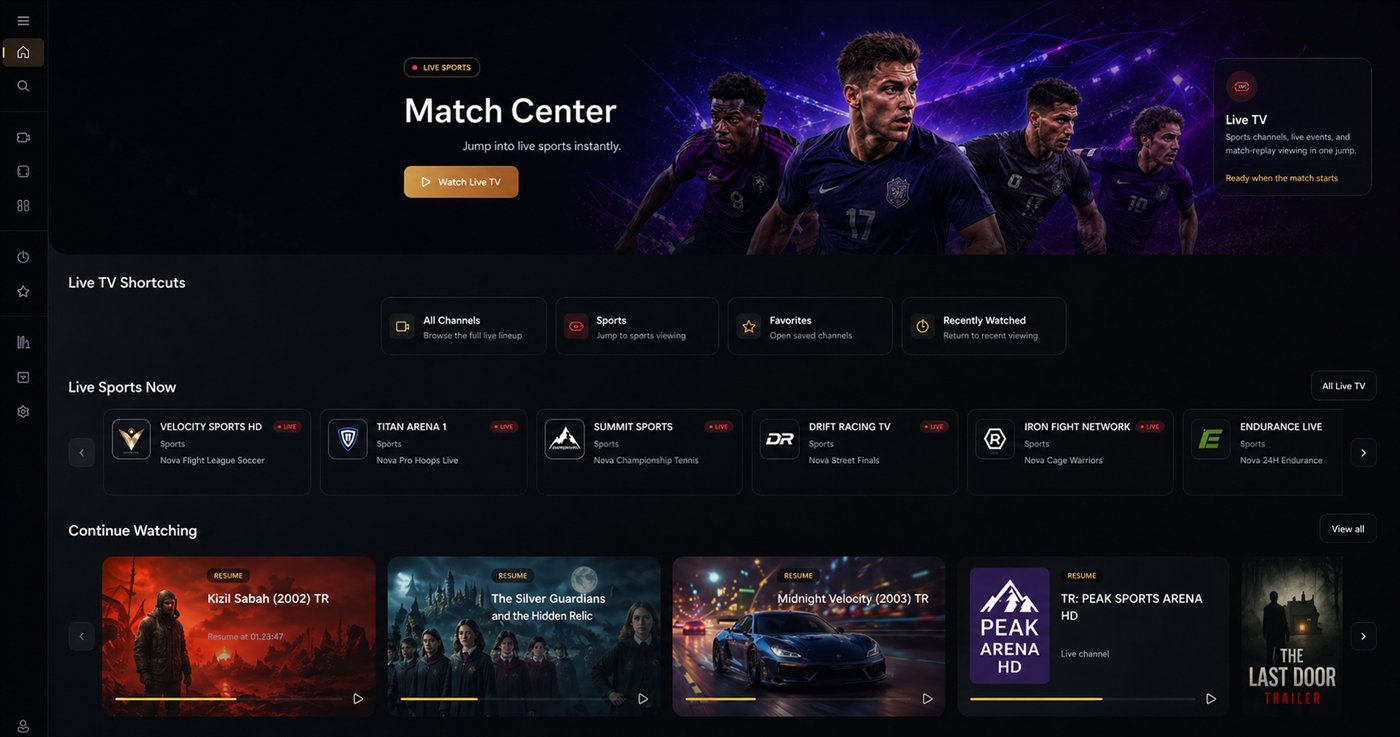
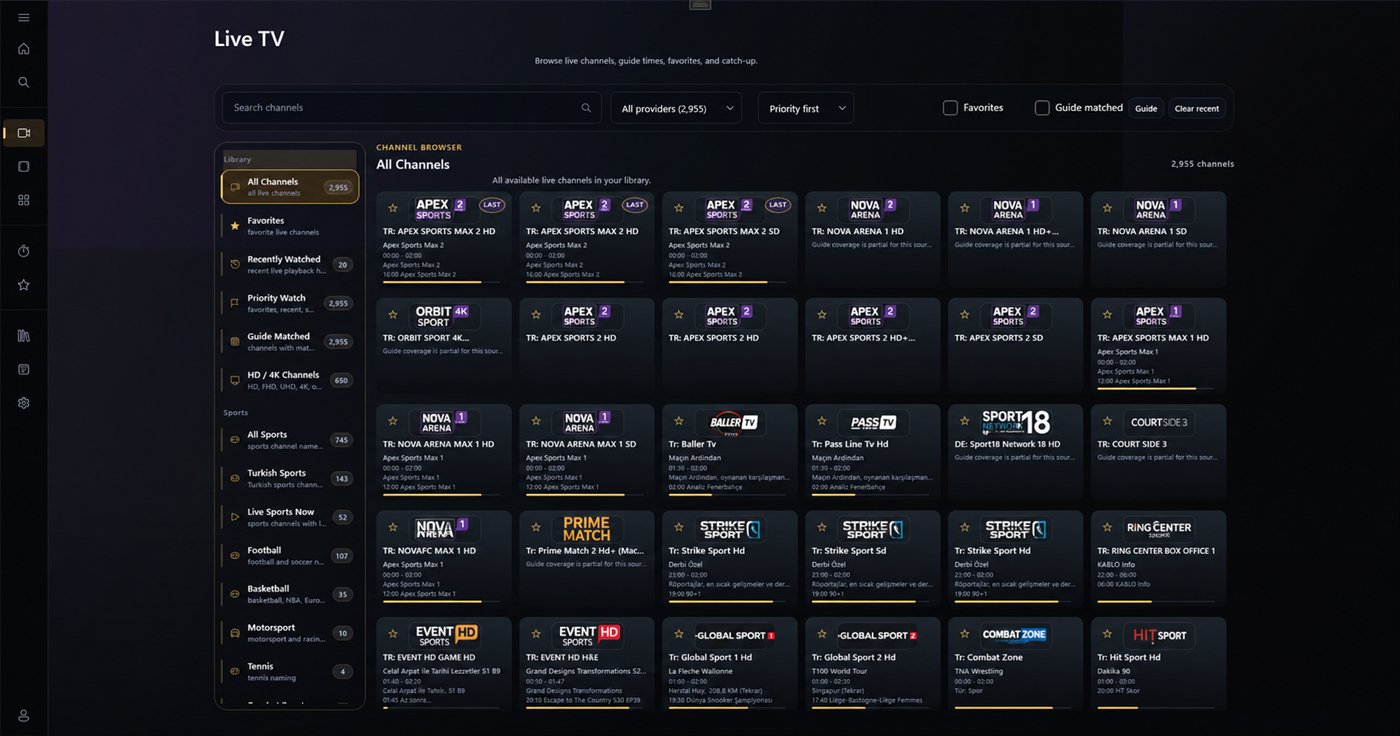
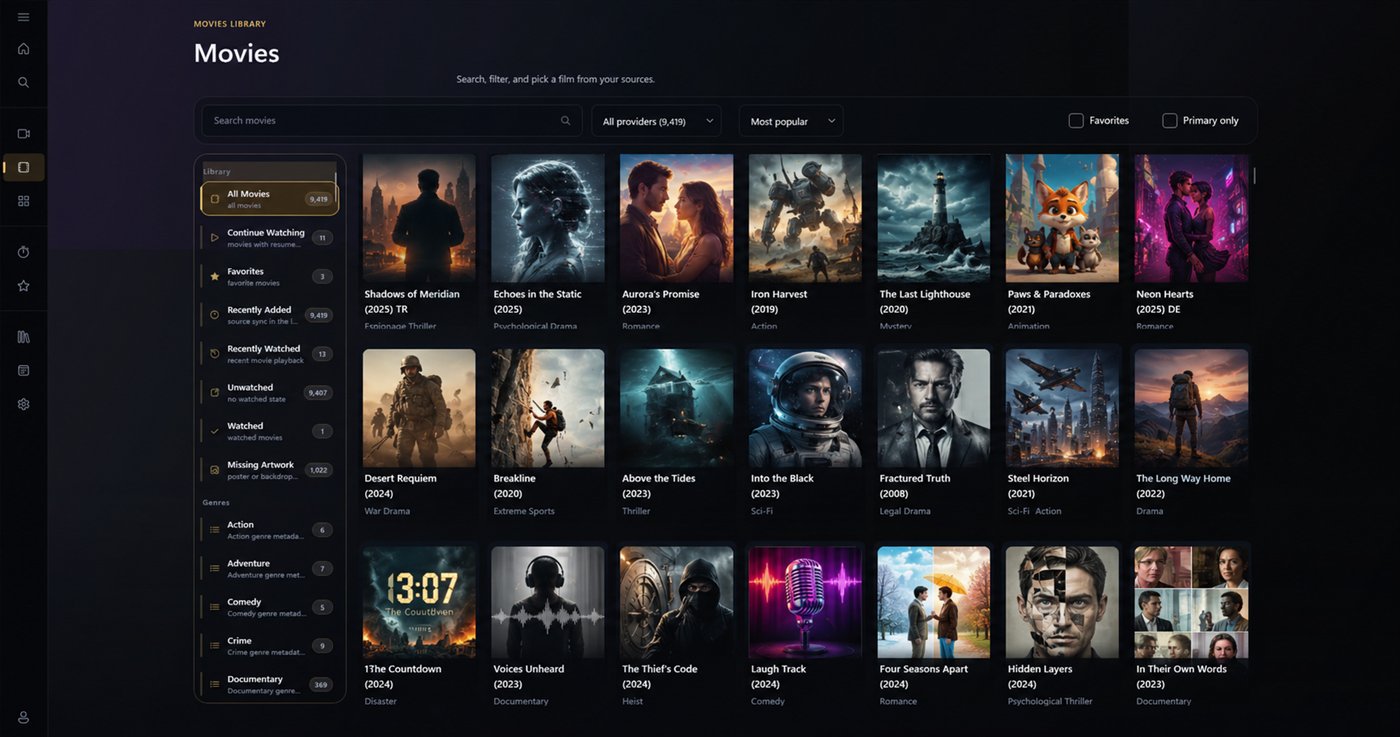
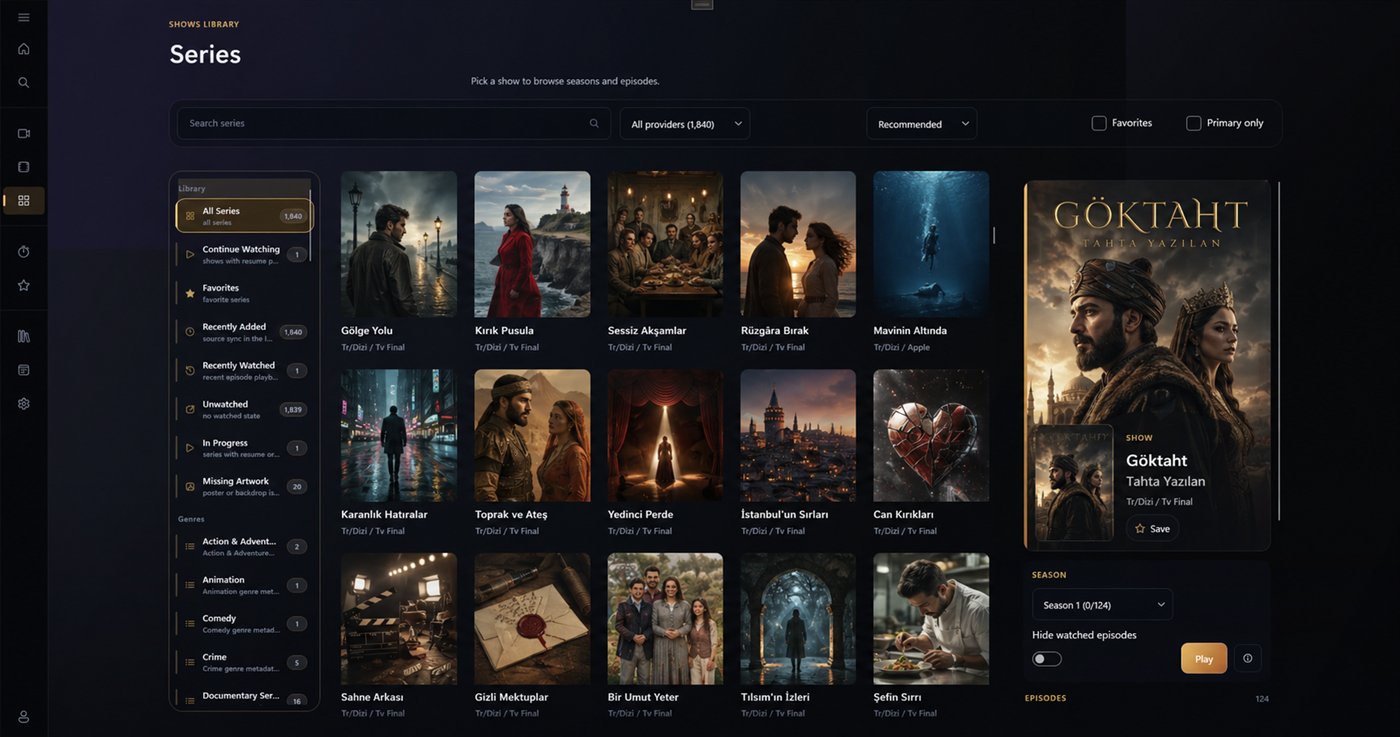
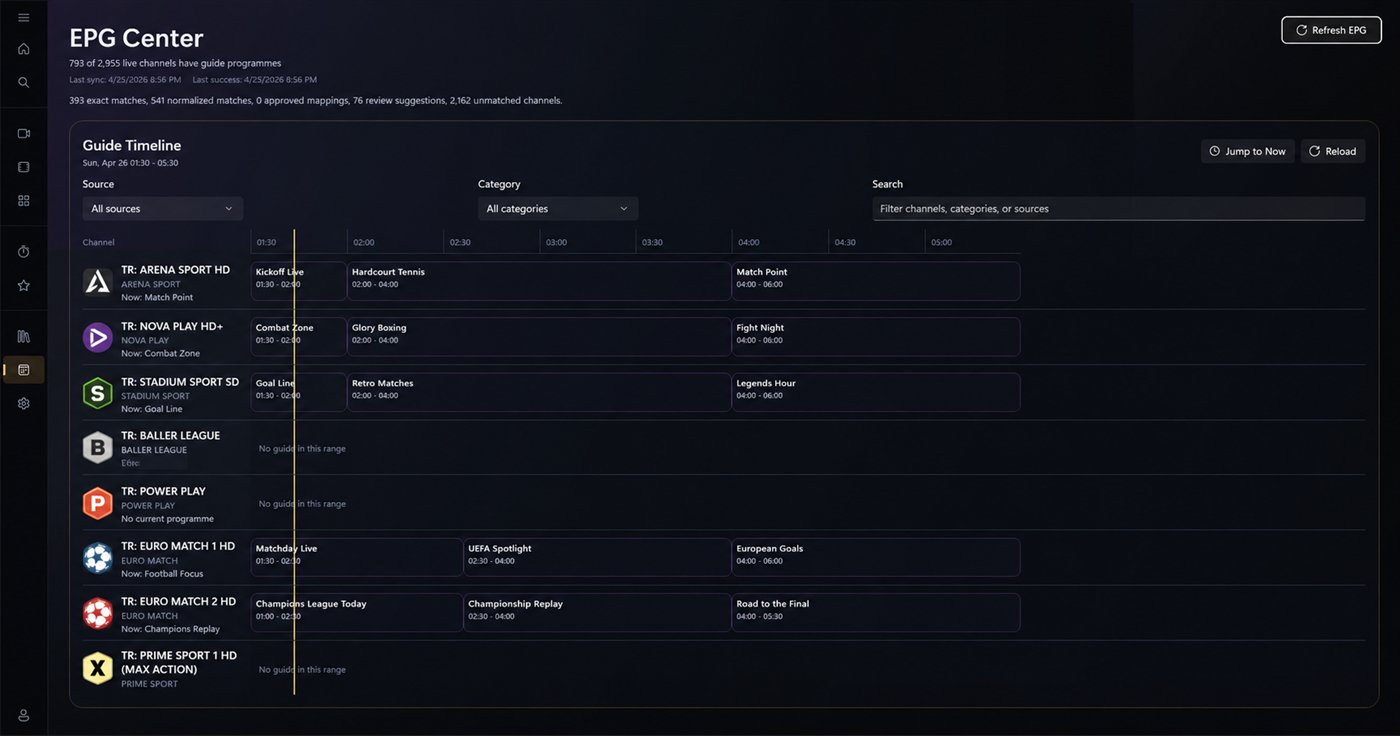
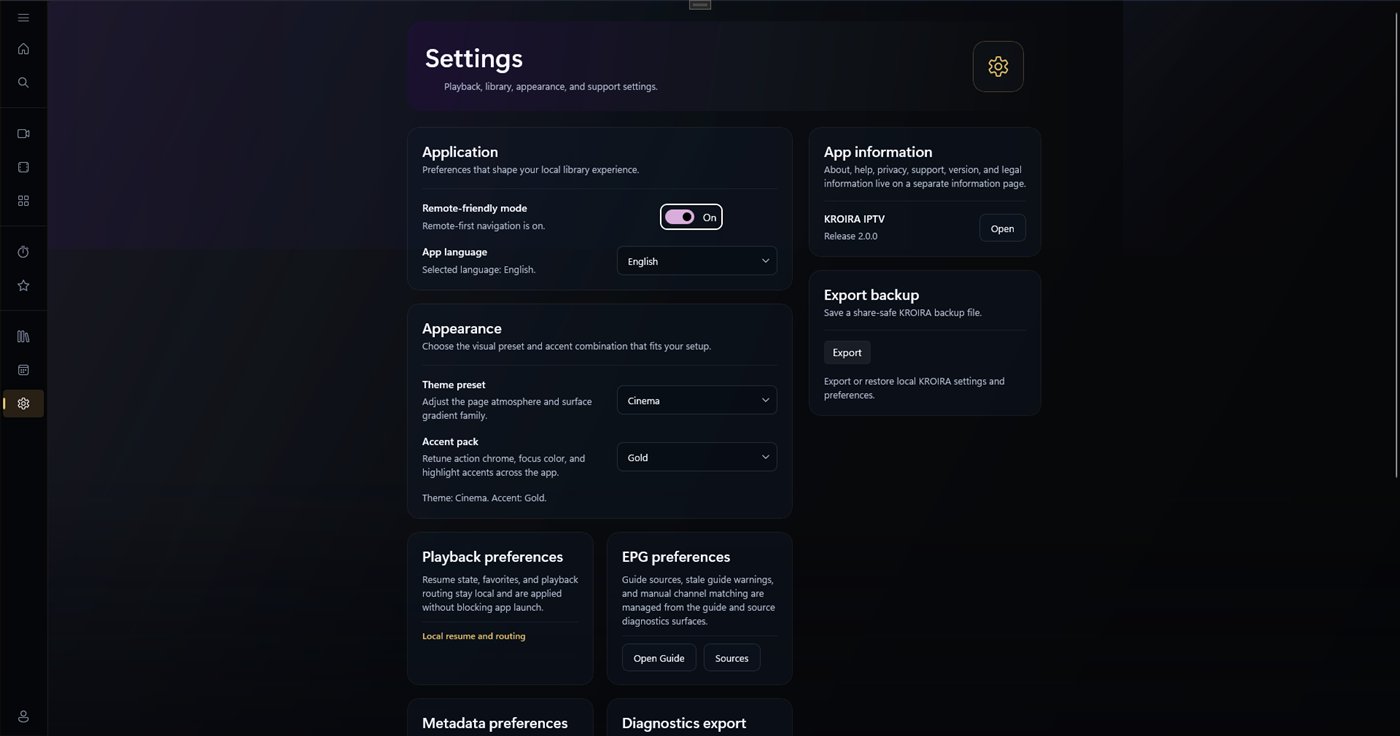
The site uses actual KROIRA screenshots and store-style copy, not fake movie posters or placeholder IPTV content.
Focused feature set
No cloud subscription platform, no web player promise, no IPTV sales angle. Just native app clarity for Windows and iPhone, plus an interactive preview users can touch.
Add your own legal M3U or Xtream-compatible source and keep the setup clear.
Live, movies, series, favorites, EPG and continue-watching are organized without noise.
Copy and design make the boundary explicit: KROIRA is the player, not the content provider.
The embedded iPhone onboarding prototype lets users tap through the import flow before installing.
Player only
KROIRA’s public message is intentionally boring where it must be boring: no IPTV subscriptions, no bundled media, no source marketplace, no “free channels” implication.
FAQ
No. KROIRA is a software player only. You must bring your own legal M3U or Xtream-compatible source.
Yes. The Windows app is available through Microsoft Store.
Yes. The iPhone app is available on the App Store. As on Windows, you bring your own legal M3U or Xtream-compatible source.
Yes. The embedded app demo is a clickable onboarding prototype. It is not a web player and it does not stream content.
Not in this lean launch positioning. This site is a promotional/store-support site for the native apps and interactive preview.
Start simple
KROIRA stays lean before cloud/backend spend: native apps on Windows and iPhone, and an honest interactive preview on the site.